Please help us understand why this comment is inappropriate.
Hey Baron,
particularly luv the gold coins in your collection.
But, may I ask a question of you, about how to get a picture of a coin on to my public profile. Everyone seems to have mastered that particular item, but I just for the life of me, can not figure out how to do it.
Kindest regards
Please help us understand why this comment is inappropriate.
Hello! Great question. If you are on desktop, head to either (1) Community Tab -> (2) Your Public Profile -> (3) Edit Settings (select a picture and save). Or (1) Your Profile dropdown menu, (2) Your Public Profile, (3) Edit Settings (select a picture and save)
Please help us understand why this comment is inappropriate.
Hey Baron,
Thanks the info. ..... However, following either of your 1,2,3 steps for desk top, they bring you to ThumbNail and their it says 'select one image to represent your public profile'.
but beneath that I find the message 'No image found matching your settings' and that there is nowhere else to go with my cursor to resolve the matter.
Please advise
Kindest regards to you as always,
Please help us understand why this comment is inappropriate.
Hi Baron,
Another wee question about my public profile. It does not show the number of items in my collection. How do I add that?
Thanks muchly as always
Please help us understand why this comment is inappropriate.
The public profiles work on what is in your "In Collection" status. The system allows you to create additional Status's for any of number of possible use cases, such as those who want to track "Researching", or "Lost", or "Targets" completely seperately from their core "In collection" status coins. Normally people use the seperate Collection system to group coins by things like "Roman Empire" or "Greek" etc and then share those. It appears you have created a few "status's" with the purpose of collection grouping. I would recommend moving those back to In Collection and using the seperate Collection system to group them into collections. Also after you do that make sure you have the Public Profile setting "Show In Collection Coins" enabled so that coins from the status of "In Collection" can appear on your public profile.
The current permissions system is driven by the indidivudal permissions of coins. A coin must be both Sharable and Featured, and "In Collection" status to appear on your Public Profile. This is so that if you move a coin out of your In Collection status is automatically removed from your Public Profile for all to see.
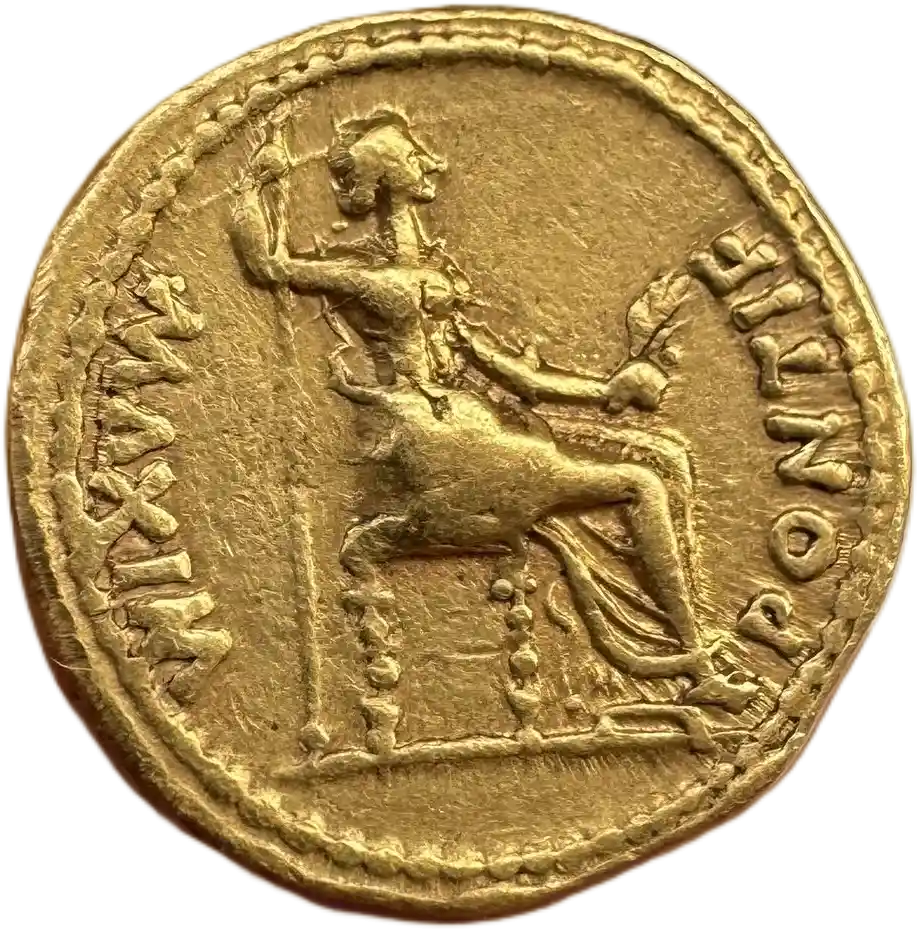
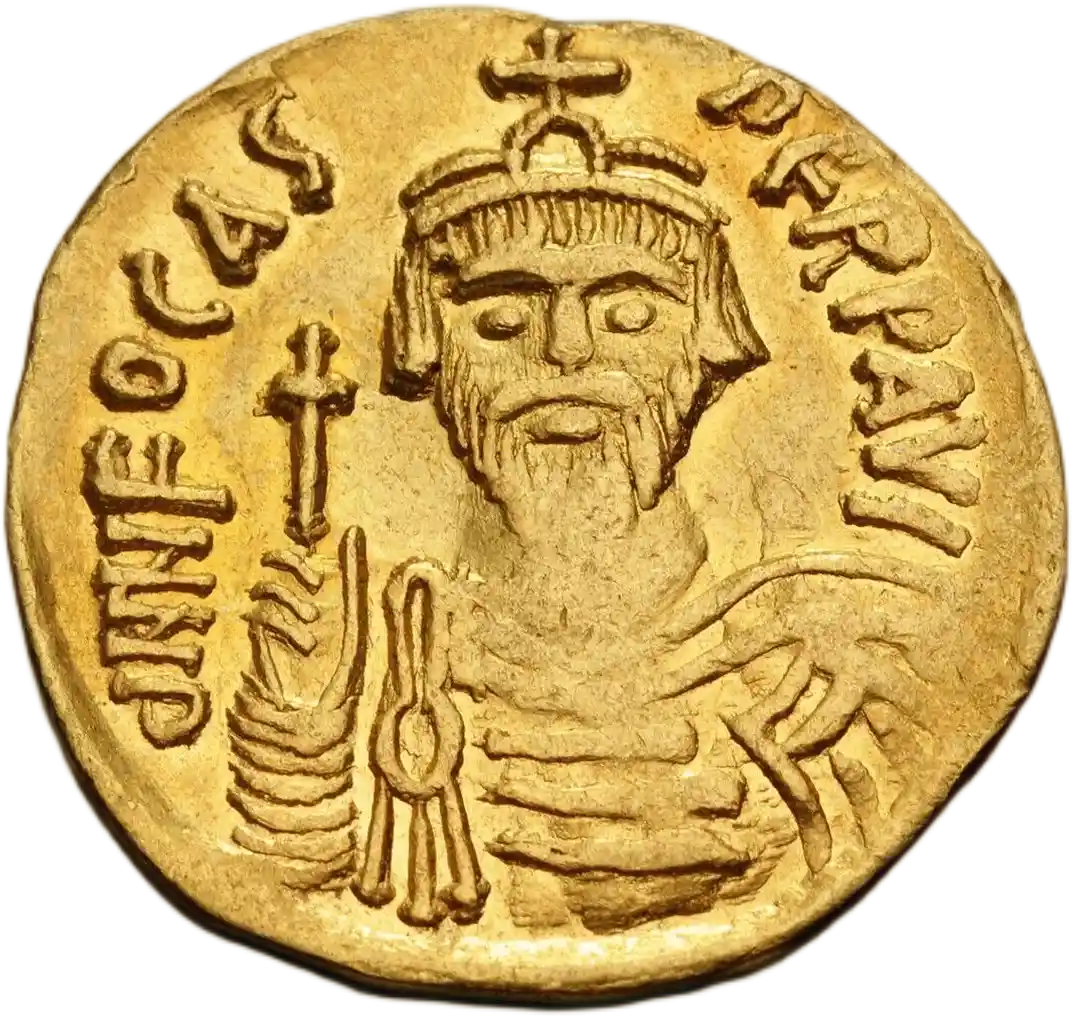
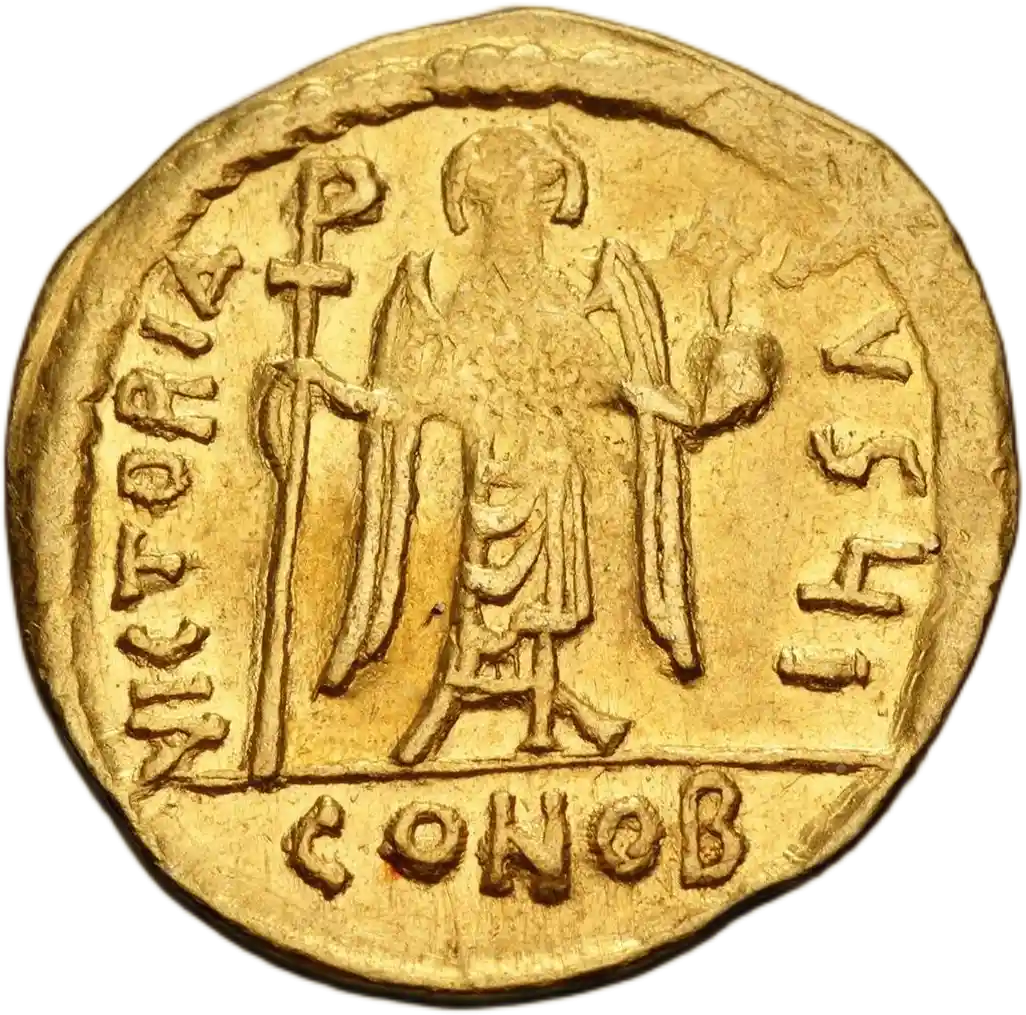
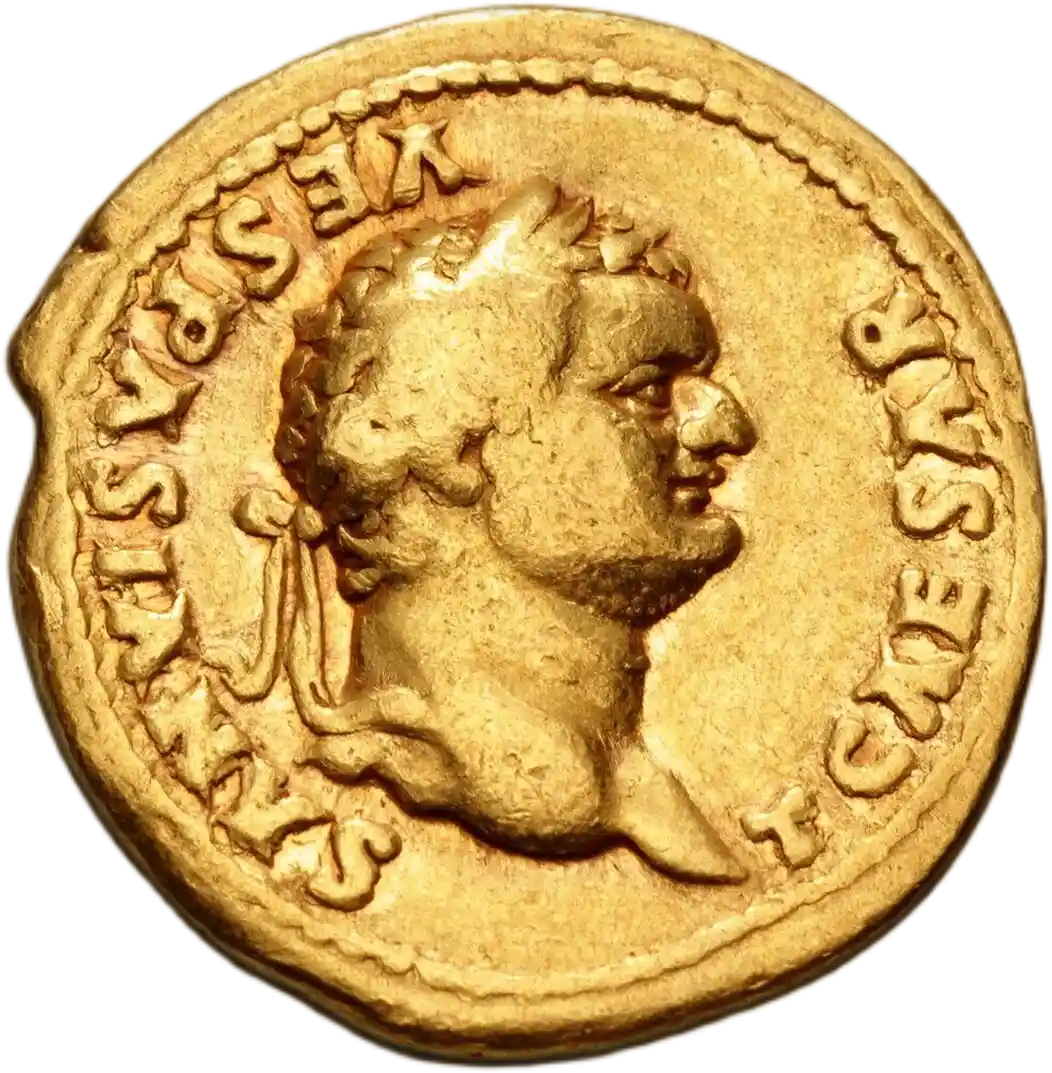
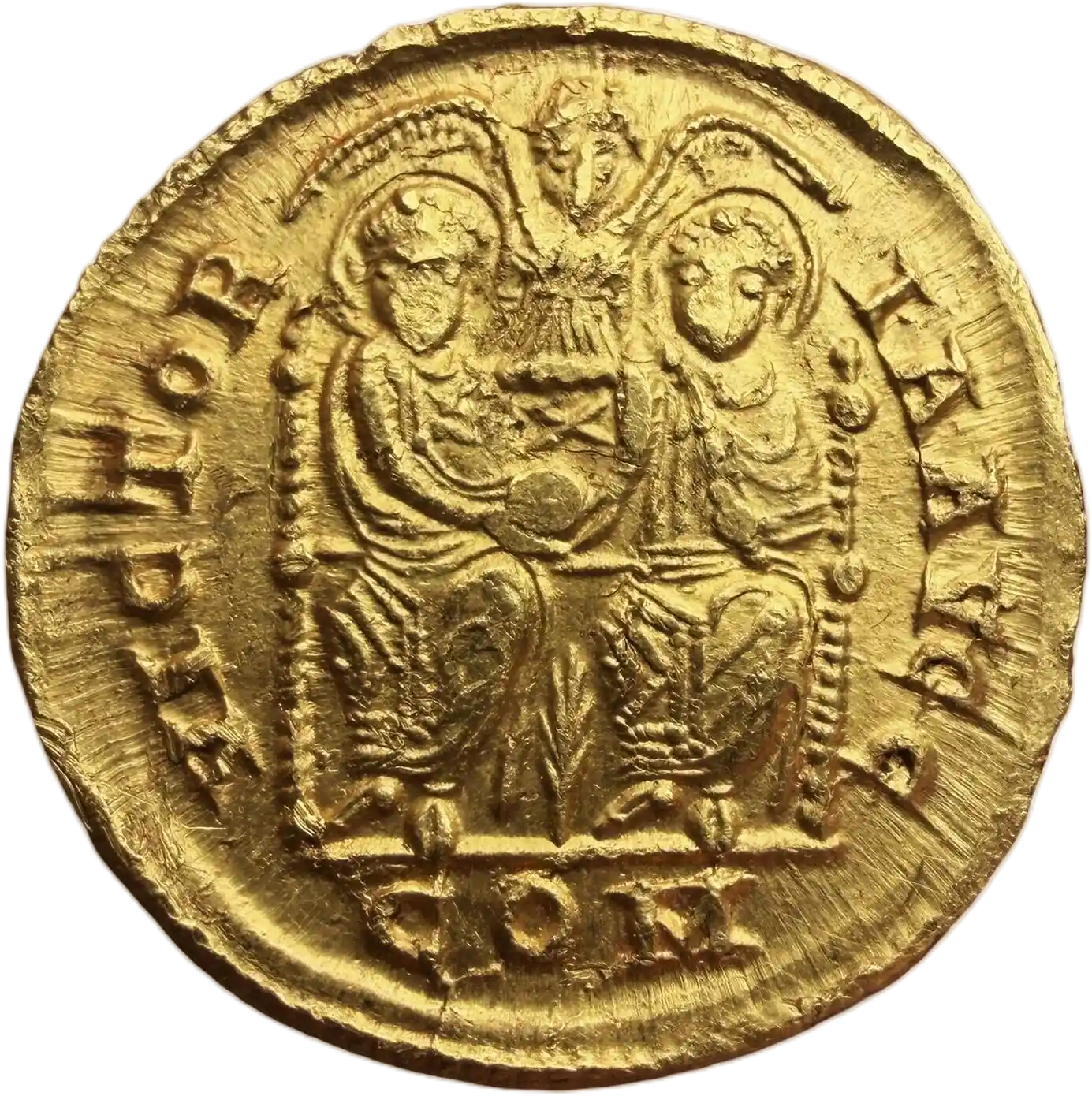
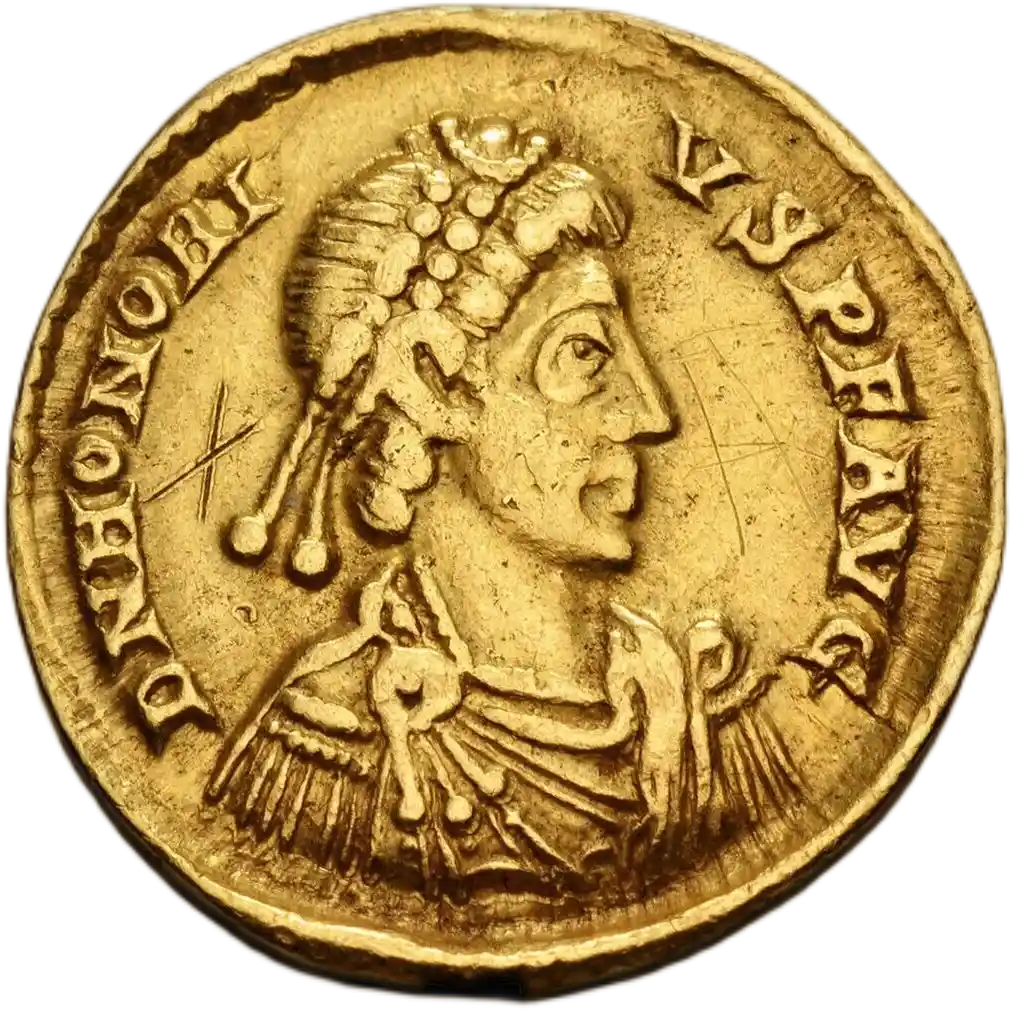
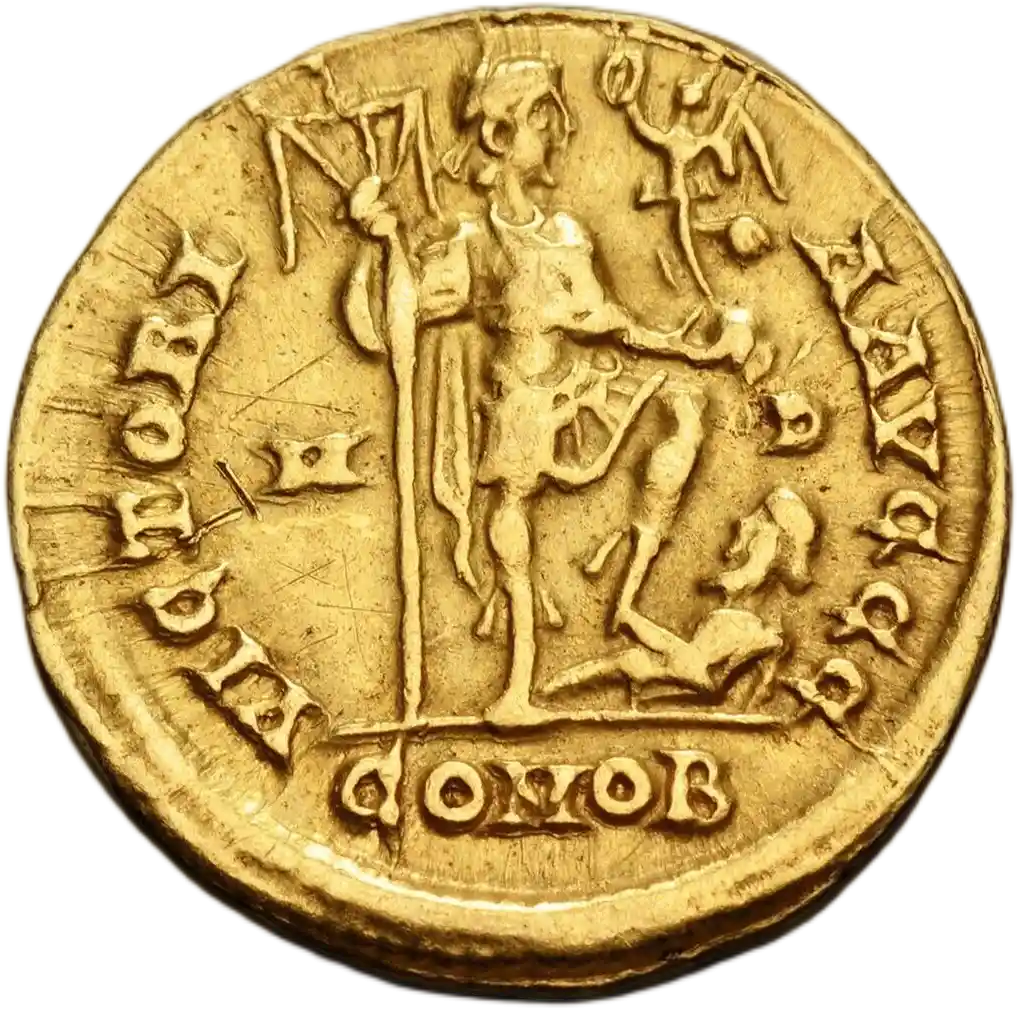
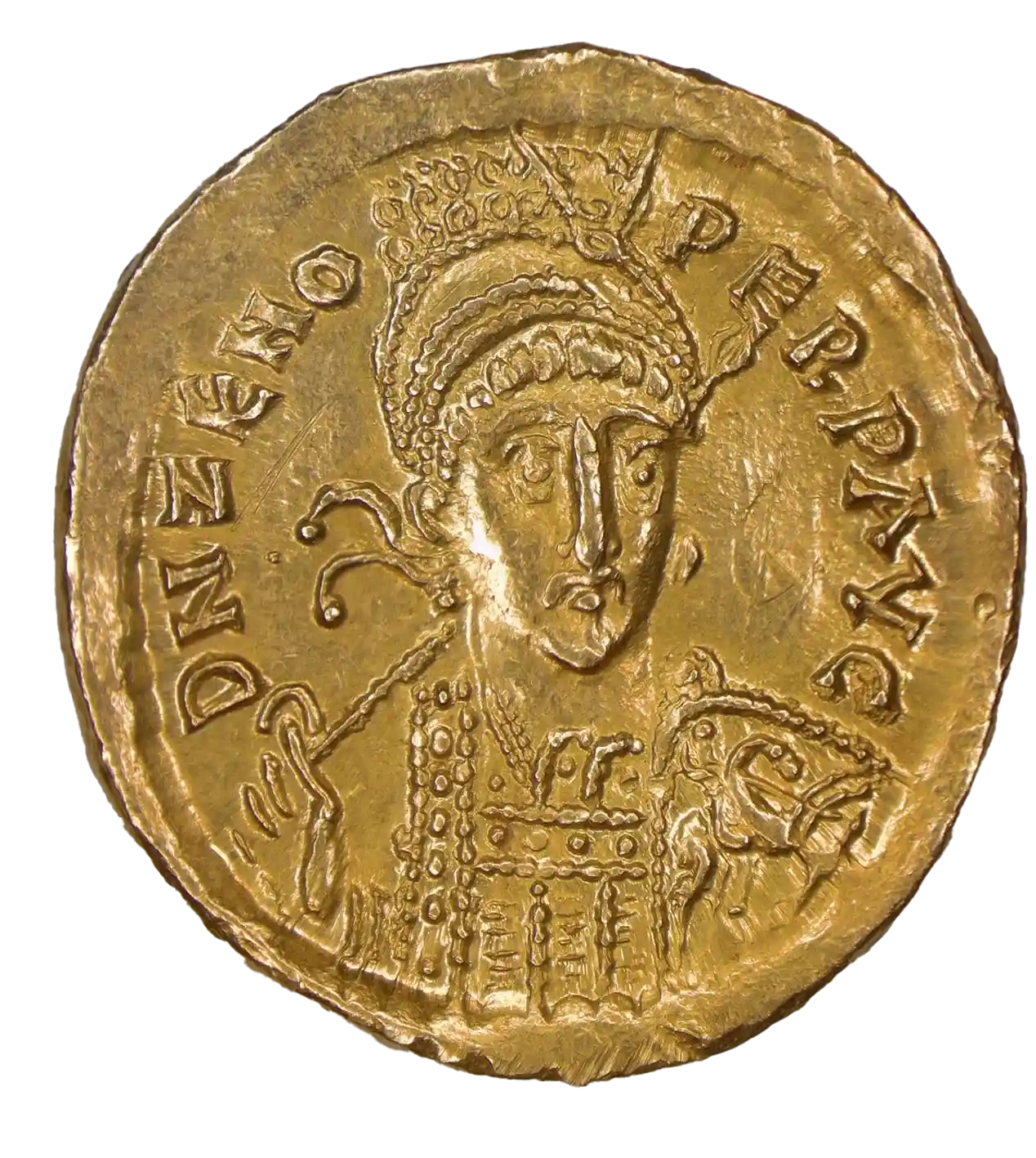
Report Comment
Please help us understand why this comment is inappropriate.
Hey Baron, particularly luv the gold coins in your collection. But, may I ask a question of you, about how to get a picture of a coin on to my public profile. Everyone seems to have mastered that particular item, but I just for the life of me, can not figure out how to do it. Kindest regards
Report Comment
Please help us understand why this comment is inappropriate.
Hello! Great question. If you are on desktop, head to either (1) Community Tab -> (2) Your Public Profile -> (3) Edit Settings (select a picture and save). Or (1) Your Profile dropdown menu, (2) Your Public Profile, (3) Edit Settings (select a picture and save)
It should be similar on mobile
Report Comment
Please help us understand why this comment is inappropriate.
Hey Baron, Thanks the info. ..... However, following either of your 1,2,3 steps for desk top, they bring you to ThumbNail and their it says 'select one image to represent your public profile'. but beneath that I find the message 'No image found matching your settings' and that there is nowhere else to go with my cursor to resolve the matter. Please advise Kindest regards to you as always,
Report Comment
Please help us understand why this comment is inappropriate.
@100 Years War. newest Update should fix this for you!
Report Comment
Please help us understand why this comment is inappropriate.
Hey Baron, Thats great. Thank you for the heads up on the new update.
Report Comment
Please help us understand why this comment is inappropriate.
Hi Baron, Another wee question about my public profile. It does not show the number of items in my collection. How do I add that? Thanks muchly as always
Report Comment
Please help us understand why this comment is inappropriate.
The public profiles work on what is in your "In Collection" status. The system allows you to create additional Status's for any of number of possible use cases, such as those who want to track "Researching", or "Lost", or "Targets" completely seperately from their core "In collection" status coins. Normally people use the seperate Collection system to group coins by things like "Roman Empire" or "Greek" etc and then share those. It appears you have created a few "status's" with the purpose of collection grouping. I would recommend moving those back to In Collection and using the seperate Collection system to group them into collections. Also after you do that make sure you have the Public Profile setting "Show In Collection Coins" enabled so that coins from the status of "In Collection" can appear on your public profile.
The current permissions system is driven by the indidivudal permissions of coins. A coin must be both Sharable and Featured, and "In Collection" status to appear on your Public Profile. This is so that if you move a coin out of your In Collection status is automatically removed from your Public Profile for all to see.
Report Comment
Please help us understand why this comment is inappropriate.
OK, I'll read that a few more times to understand it better and give it a go. Thanks the prompt reply. Hope all is well for you Best regards
Report Comment
Please help us understand why this comment is inappropriate.
No worries, TL;DR all your coins are in custom statuses you made, not "In Collection" which is required for public profile currently